Export the croisillé and the dubbed audio
The Export menu groups the two outputs tied to your dub's sound: the croisillé (a call sheet) and the dubbed audio (your takes as WAV files). The first prepares your recording sessions and casting; the second hands the dubbed audio to a studio or an editing station.
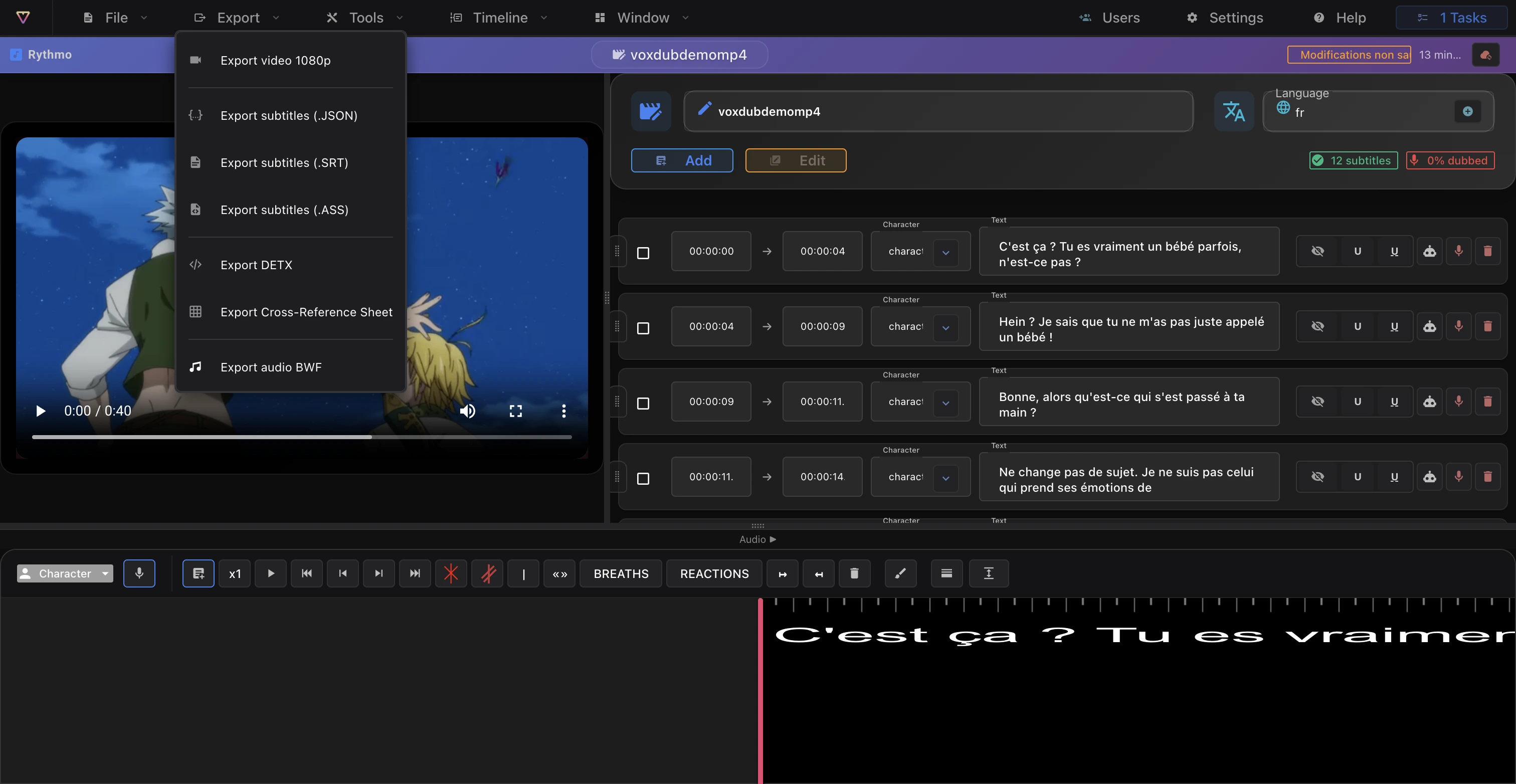
The croisillé (call sheet)
The croisillé is a call sheet built from the recording loops and the characters assigned to your lines. When you export it, you choose a format:
- PDF, Excel, CSV or JSON.
For each role, the call sheet lists the character with its voice type and its line count, organized by loop.
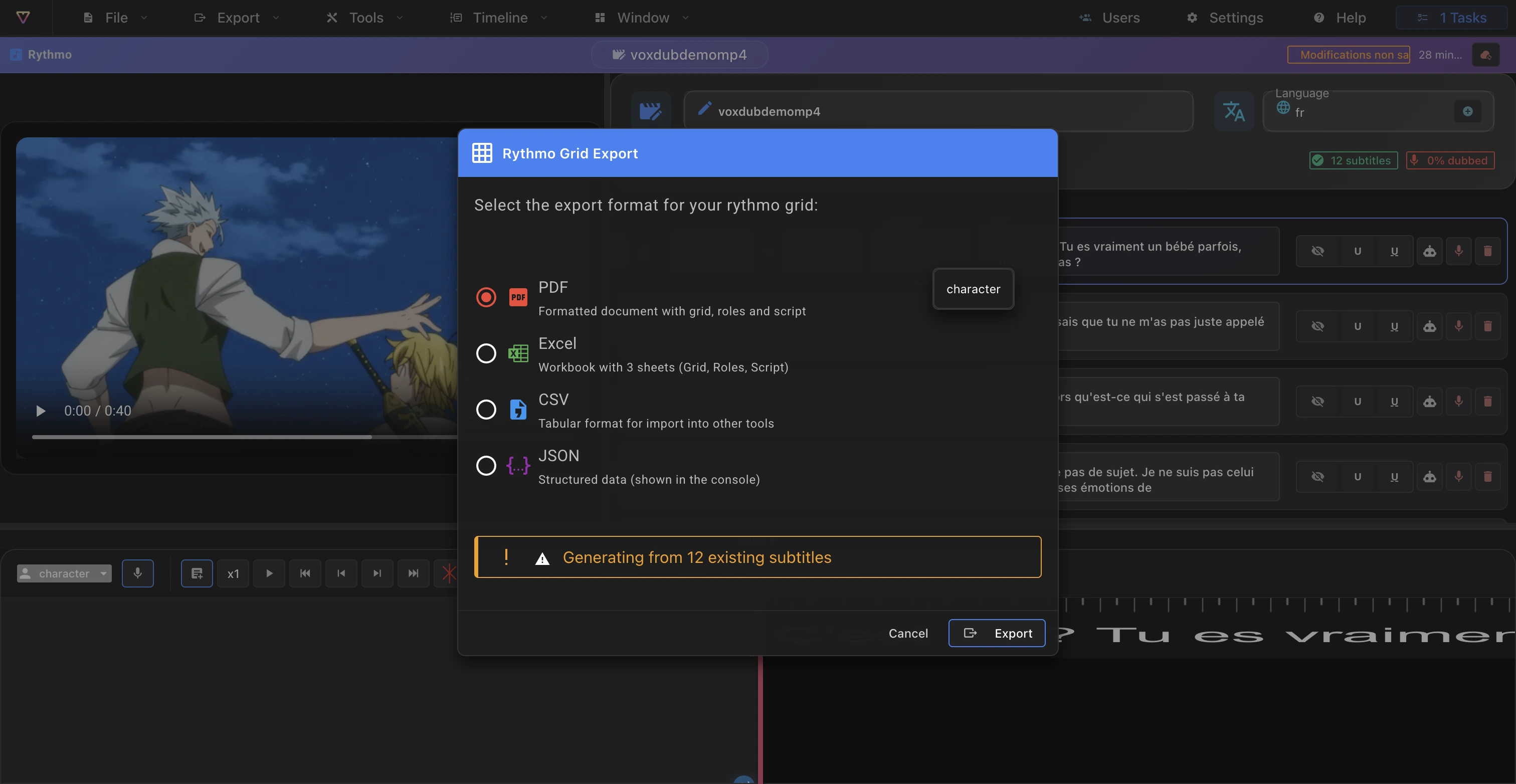
Where the croisillé data comes from
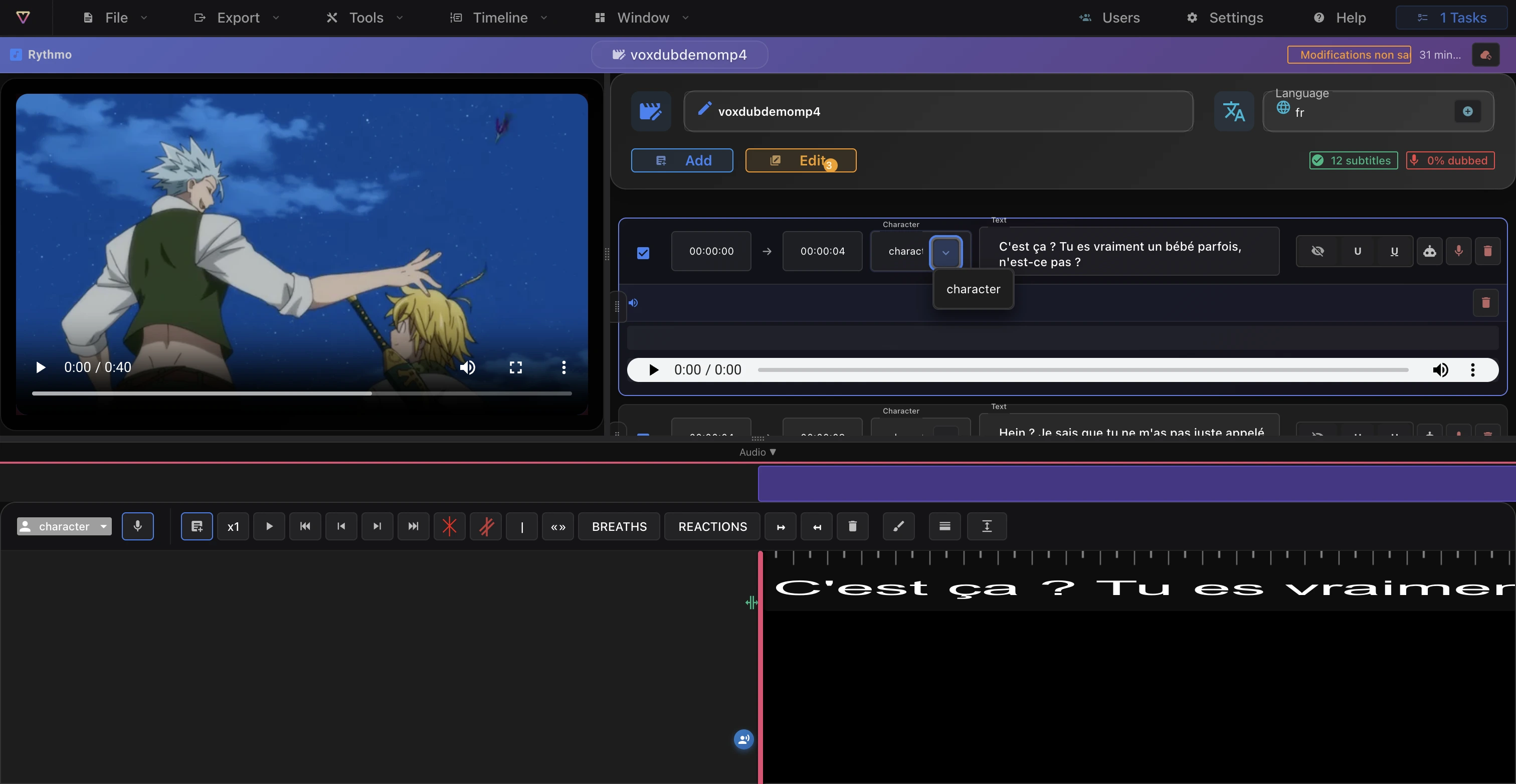
The croisillé only contains what you defined in the editor:
- The recording loops on the band (each loop is a window reserved for an actor). See The rythmo band tools.
- The characters assigned to your lines, with their voice type. See Characters.
The more your loops and characters are filled in, the more complete the call sheet.
Dubbed audio (WAV)
This export gives you the sound of your dub, without the video. Start it from Export › Export dubbed audio (.zip). In the export window, it is in the Audio tab, under the name Dubbed audio (.zip). The file is prepared on our servers. You can find it in the Tasks window.
You get a .zip file that contains:
- 00_Mix.wav: all the takes of the band in one file. Each take is placed at the same position as in the video export. This file contains the recorded voices only, without the original sound of the video.
- One WAV per character (for example
01_Alice.wav): the takes of that character only, for a mix in a DAW. - cues.txt: the list of lines with their timecode, and the list of lines without a take.
All WAV files are 48 kHz, 16-bit, mono. They all have the same length and start at the beginning of the video. They stay in sync with each other and with the picture. They are Broadcast Wave (BWF) files, which a DAW opens as a normal WAV.
A line without a take stays silent. The exported audio comes from your recorded voice (see Record your voice).
Sync markers (BWF, no audio)
In the Audio tab of the export window, Sync markers (BWF, no audio) downloads a silent WAV with one named marker per line. Use it to prepare a session in a DAW. This file does not contain your recordings.
Summary
- The croisillé is a call sheet built from loops and characters, exported as PDF, Excel, CSV or JSON.
- The dubbed audio (.zip) contains a WAV mix of all your takes and one WAV per character.
- The sync markers (BWF, no audio) are a silent WAV with markers. This file does not contain your recordings.
- Both come from the Export menu.
All export features are included in the €12.99/month subscription.
Ready to dub your video?
Create an account and start your first project in minutes, right in your browser. 7-day trial.
Start the 7-day trial