Invite a collaborator to a project
You can share a project with another Voxdub user so you work on the same dub. Inviting a collaborator is a Pro feature.
Where to find it
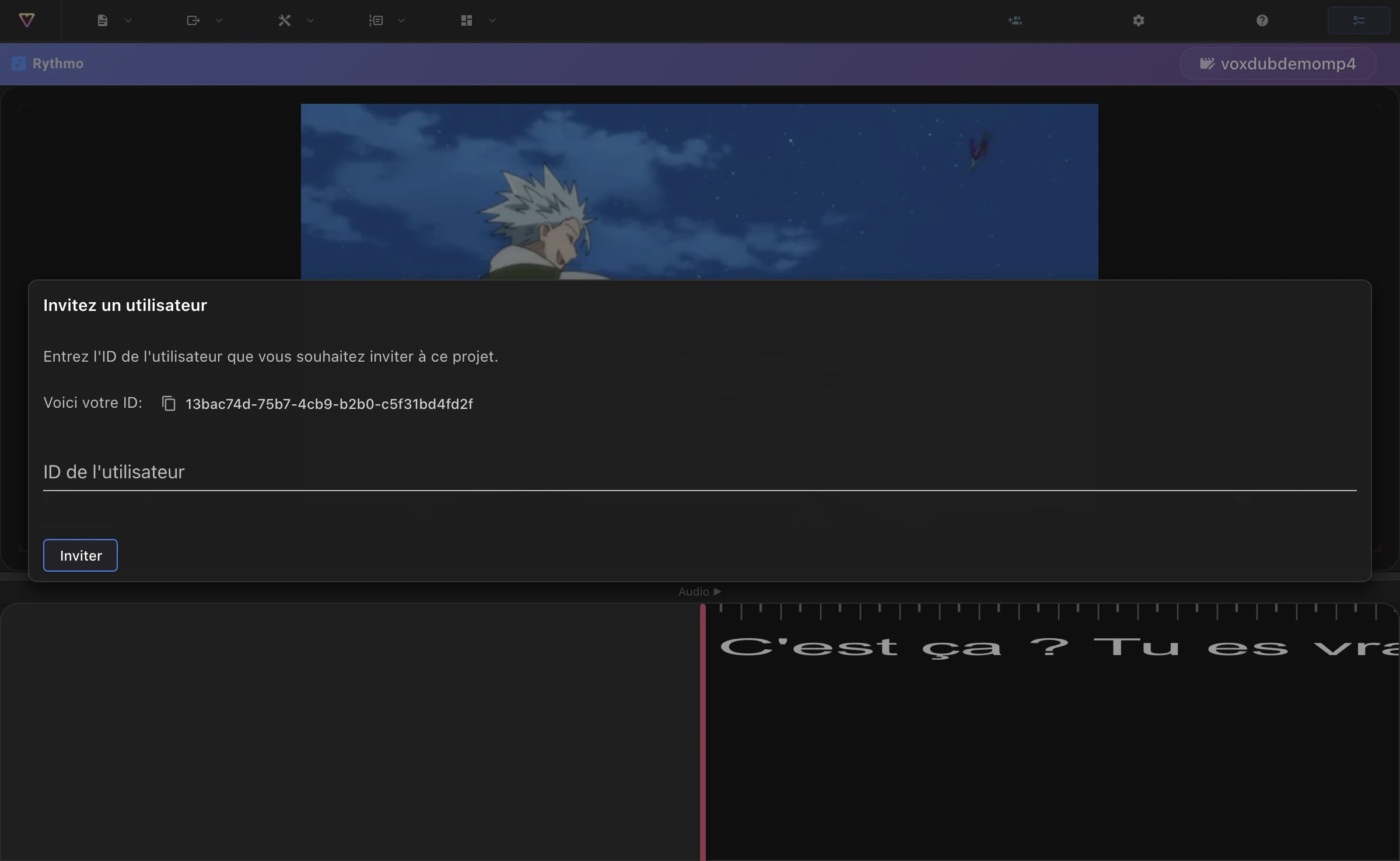
Open Users in the editor menu. On a non-Pro account this prompts you to upgrade; on Pro it opens the invite dialog.
Invite by user ID
Voxdub identifies each user by an ID. To collaborate, you exchange IDs:
- Share your own ID: the dialog shows Here is your ID with a copy button. Send it to whoever needs to invite you.
- Invite someone else: paste their User ID into the field and click Invite. They get access to the current project.
A confirmation appears once the user has been invited.
Good to know
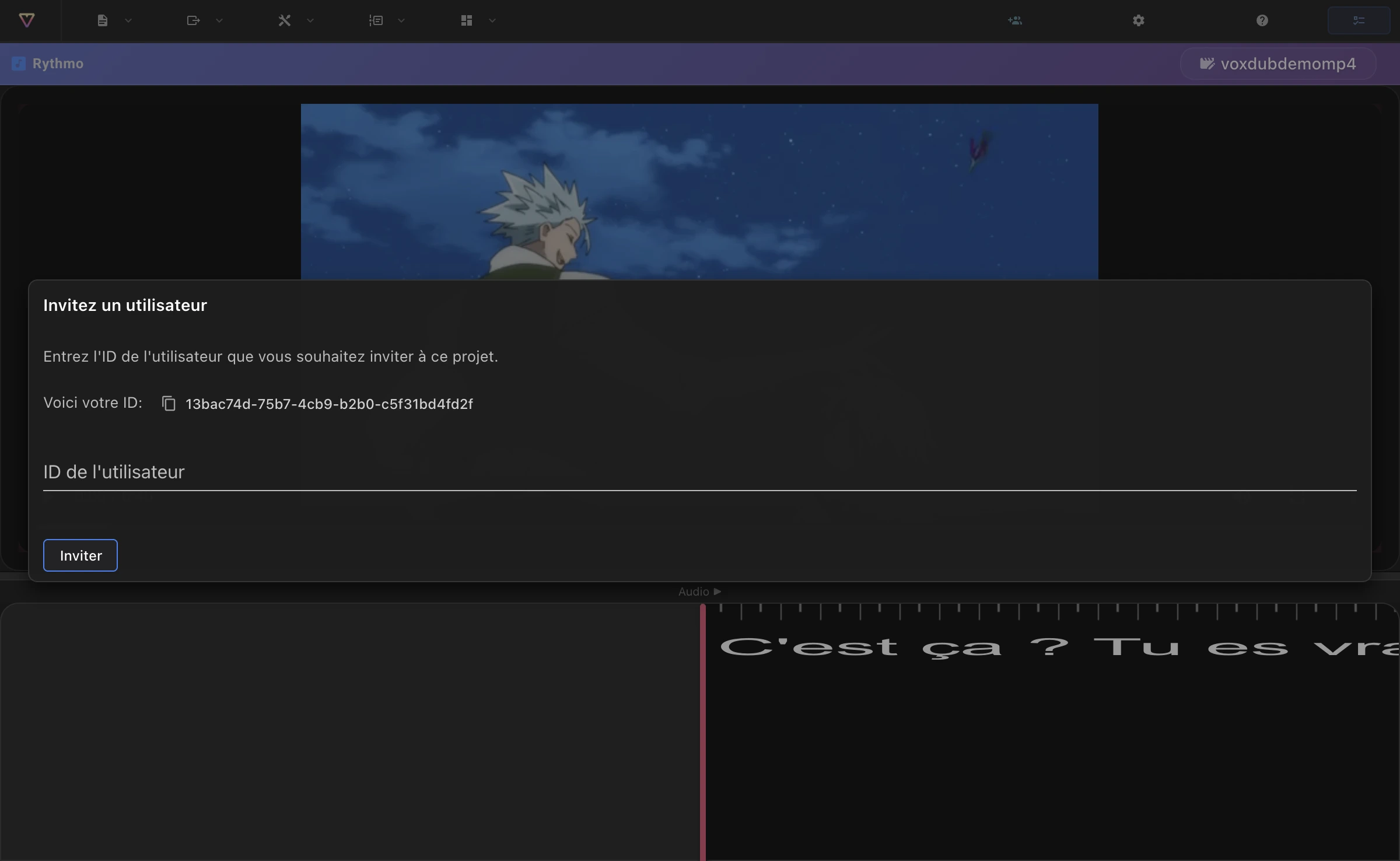
- Invitations are per project: you invite a collaborator to the project you have open.
- Ask your collaborator for the ID shown in their invite dialog, then paste it into yours.
Related articles
- Sign-in and account security — your account and where your ID comes from.
- Create and manage your projects — the projects you share.
Ready to dub your video?
Create an account and start your first project in minutes, right in your browser. 7-day free trial.
Try Voxdub for free